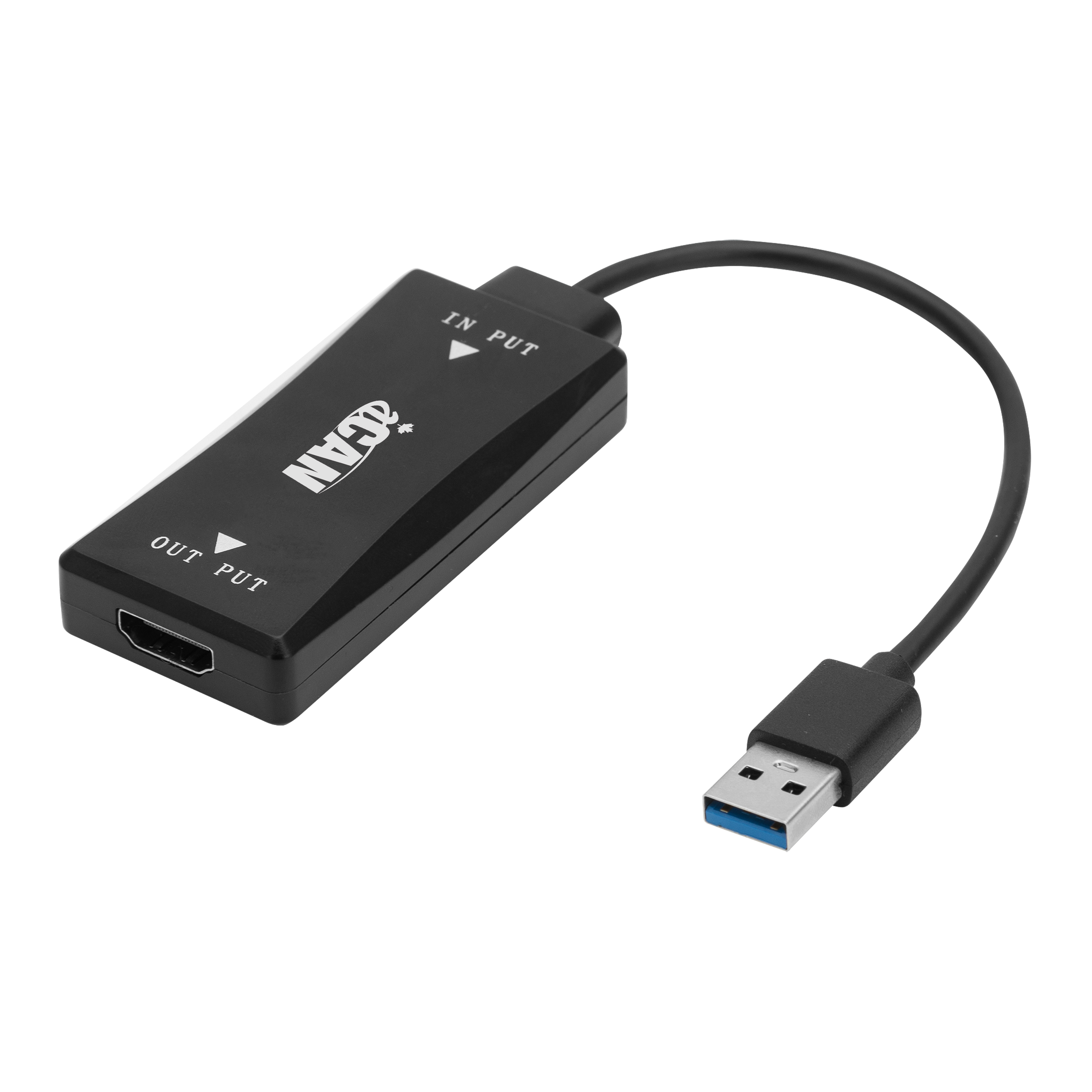
-When you plug the adapter into a USB 3.0 port of your computer for the first time, it will be detected as a storage device.
- The driver setup application is located in it.
- Double click and install the application. Once the Windows has finished the installation, restart your computer.
-After restarting the computer, connect a HDMI cable to the adapter from your monitor.
- Windows will automatically detect and activate the display.
- Select "extend mode" in your computer Display settings if you want to work with multi monitors. (One connects to your computer video card output, one connects to the USB 3.0 port.)
- Please note that only the USB 3.0 port can support 1920x1200 output. USB 2.0 may only support 800x600 output.
Adapter Output
Video
Adapter Output
Video
Return Period
15 Days
Defective Exchange Period
1 Year
Return Period
15 Days
Defective Exchange Period
1 Year
For Quebec Residents – Disclosure under the Consumer Protection Act
In accordance with Bill 29, Canada Computers does not guarantee the availability of replacement parts, repair services, or maintenance information for any products. Coverage provided under any Canada Computers Tech Care Plans and applicable manufacturer warranties, if any, remains unaffected. For information regarding a manufacturer’s availability guarantee, please contact the manufacturer directly.
 Email
Email
 Facebook
 X
X
 Copy Link


 Proudly Canadian-Owned