 Proudly Canadian-Owned
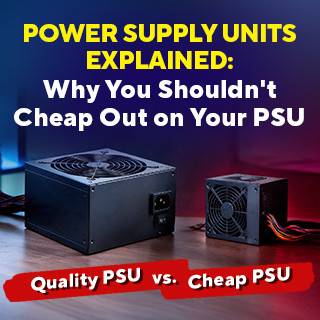
Power Supply Units Explained: Why You Shouldn't Cheap Out on Your Wattage and Rating
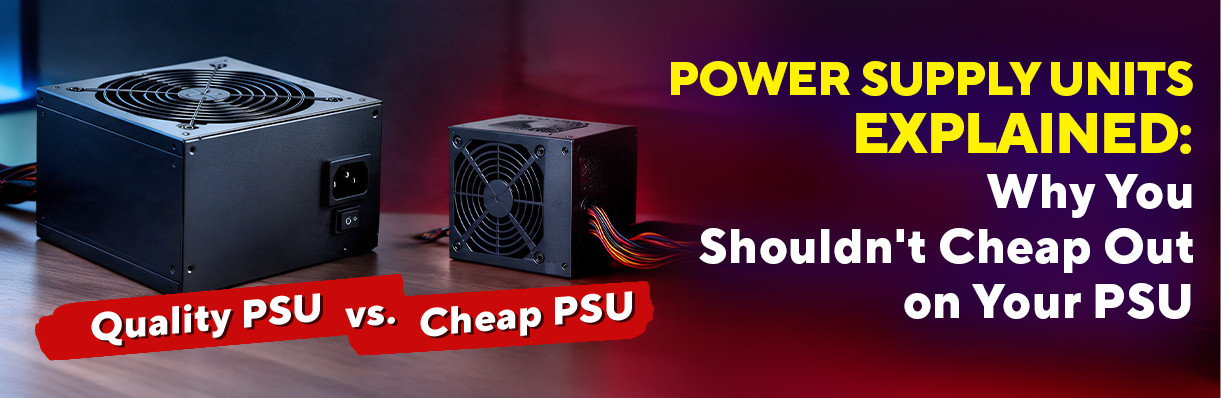
When you’re picking out parts for a brand-new PC, it’s very easy to get caught up in the technical and jargony stuffs. You’ll spend hours agonizing over graphics cards, comparing CPU clock speeds, and making sure your RGB fans looks slick as possible.
Then comes the Power Supply Unit (PSU).
Most people treat the PSU like an afterthought or just a boring black metal box tucked away in the basement of the case. It’s tempting to find the cheapest power supply that matches your wattage target, throw it in the cart, and call it a day.
Here’s the golden rule of PC building: Never, ever cheap out on your power supply.
Think of your PSU as the heart of your computer. The CPU and GPU might be the brain and muscle, but if the heart can’t deliver clean, steady power to every organ, the whole system collapses. Let’s break down why your PSU matters so much, what all those "80 Plus" badges actually mean, and how to pick the right one without overspending.
Why the Power Supply Matters More Than You Think
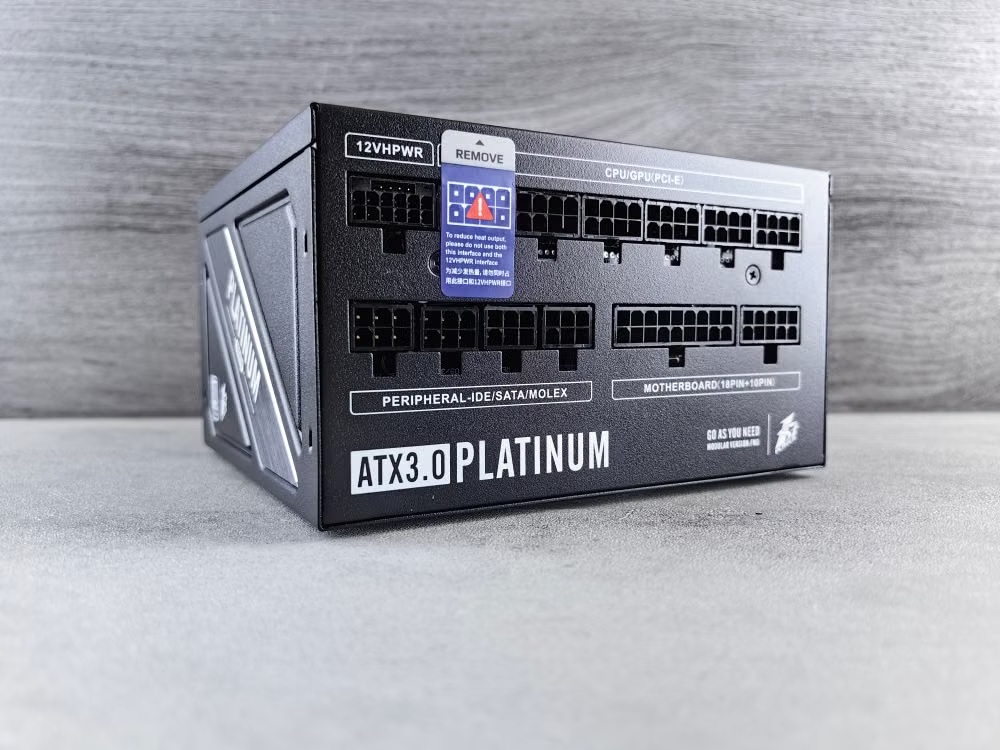
Your home outlets supply "alternating current" (AC) electricity, but your computer components run on “direct current” (DC) electricity. The primary job of your PSU is to convert high-voltage AC into steady, precise low-voltage DC.
If you buy a high-quality unit, it delivers rock-solid voltage with minimal noise or fluctuation. If you buy a cheap, bottom-shelf unit, bad things start to happen, like:
- System Instability and Crashes : Unstable voltage under load leads to random Blue Screens of Death (BSOD), random system reboots during heavy gaming, or freeze-ups.
- Component Damage : A bad spike in voltage or poor ripple control can fry delicate microchips on your expensive motherboard, GPU, or storage drives.
- Fire & Safety Hazards : Cheap PSUs often skimp on built-in circuit protection (like Over Voltage, Over Current, and Short Circuit protection). In extreme cases, failure means physical smoke, melted cables, or actual fire.
- Poor Efficiency : Low-quality units waste more energy as heat, causing your electric bill to creep up and your room to feel like a sauna.
What are the "80 Plus" Ratings: What Do Bronze, Gold, and Platinum Mean?
When shopping for a PSU, you’ll almost always see an 80 Plus certification badge. This rating system evaluates how efficient a power supply is at converting AC power into DC power at various loads (20%, 50%, and 100%).
Efficiency matters because any energy not converted into power for your components turns into heat. A more efficient unit wastes less electricity and runs cooler and quieter.
Here is a quick look at how standard 80 Plus ratings compare at 50% load, which is where most PCs operate while gaming:
| 80 Plus Certification | Efficiency at 50% Load | In Simple Terms |
| 80 Plus (Standard) | ~80% | Basic efficiency level. Better than a non-certified unit, but still basic. |
| 80 Plus Bronze | ~85% | A popular budget-friendly choice, suitable for entry-level builds. |
| 80 Plus Gold | ~90% | An excellent balance between energy efficiency and price for many PC builds. |
| 80 Plus Platinum | ~92% | High efficiency for powerful gaming PCs, workstations, and high-end builds. |
| 80 Plus Titanium | ~94% and above | Very high efficiency, designed for ultra-high-end builds, rendering servers, and systems focused on quiet operation. |
How to Calculate Your Wattage (And Why You Need "Headroom")

How many watts do you actually need?
If your estimated system wattage is 450W, should you buy a 450W power supply? No.
Running a power supply at or near 100% capacity continuously is a bad idea. PSUs operate at peak efficiency and lowest noise levels when running around 50% to 70% capacity In addition, modern graphics cards and CPUs experience brief "transient spikes" or sudden power surges that last just milliseconds but can shut down a tight-capacity system.
A Quick Rule of Thumb for Wattage:
- Use an online PSU calculator to estimate your rig's total draw.
- Add 20% to 30% headroom to that total.
Common Benchmarks:
- 500W – 650W : Entry-level to mid-range gaming builds
- 750W – 850W : High-end gaming setups
- 1000W+ : Extreme workstations, overclocked flagship CPUs, or multi-GPU monster rigs
Extra Features to Look For
1. Modular vs. Non-Modular Cables
- Non-Modular : All cables are permanently attached. Cheap, but you’ll have a messy bundle of extra unused cables shoved into the bottom of your case, blocking airflow.
- Semi-Modular : Essential cables (24-pin motherboard, CPU power) are fixed, while GPU and SATA power cables are detachable. Great middle-ground value.
- Fully Modular : Every single cable plugs in individually. You only attach what you need, making cable management, airflow, and custom sleeved cables a breeze.
2. ATX 3.0 / PCIe 5.0 Compatibility
If you’re building a modern system with newer high-end graphics cards, look for ATX 3.0 certified power supplies. These units feature dedicated 12VHPWR (12+4 pin) connectors that deliver clean power directly to high-draw GPUs without requiring clunky, awkward adapters.
Power Up Your Next Build!
Whether you’re planning on building a gaming pc or even just a workstation at home, getting the right power supply is key. Explore our wide selection of Power Supply Units online at Canada Computers!
Frequently Asked Questions
- Q1. Is an 80 Plus Gold PSU always better quality than an 80 Plus Bronze?
- Not necessarily, but usually yes. The 80 Plus rating measures energy efficiency, not component quality. However, to meet Gold efficiency standards, manufacturers almost always have to use higher-grade internal components, thicker cables, and better capacitors.
- Q2. Will buying a 1000W power supply draw 1000W of electricity from my wall all the time?
- No. A power supply only draws as much power as your system components currently demand. If your PC is idling and drawing 60W, a 1000W PSU will only pull around 60W (plus a tiny extra percentage for efficiency loss) from your wall outlet.
- Q3. How long does a good power supply last?
- A quality PSU from a reputable brand usually lasts 7 to 10+ years. Premium units often come with a 10-year or 12-year manufacturer warranty, meaning you can comfortably keep using the same PSU through multiple CPU and GPU upgrades.
- Q4. What happens if my PSU doesn't have enough wattage for my system?
- If your system demands more power than the PSU can output (especially during intense gaming or rendering), the PSU's internal protection circuits will trigger, shutting down your PC to prevent damage.