 Proudly Canadian-Owned
Best Gaming Laptops in 2026: A Buyer's Guide
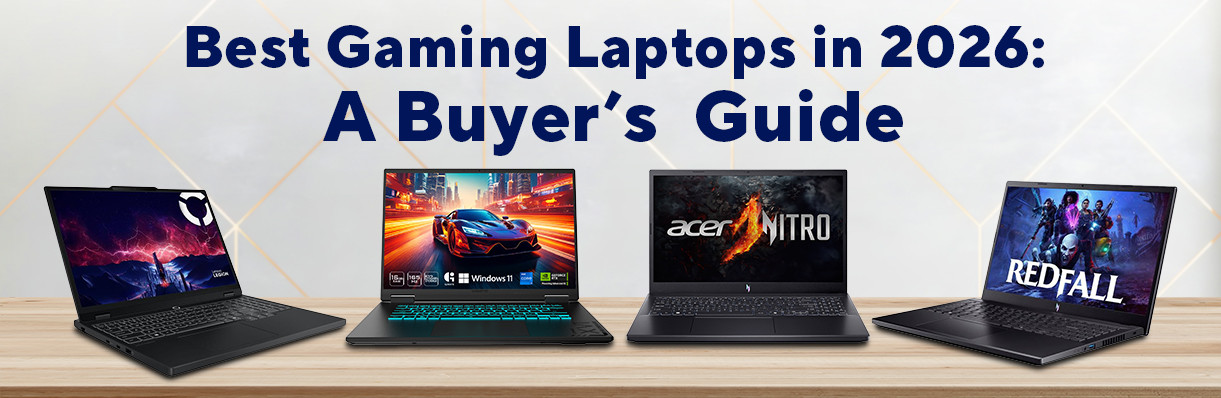
Let’s be honest: whether you’re reminiscing about your childhood through an old-school game, playing competitive in an FPS platform, or even just chilling on a Friday evening with a triple-A title, your gaming can only be as good as your gaming setup. Smooth Frames, great graphics, and reliable responsiveness are what keep players immersed, and it all depends on the gaming laptop built to keep up. The truth, however, is that they don’t come cheap, so it’s better to know your thing before clicking that "checkout" button.
That said, we prepared a breakdown of some of the best gaming laptops for those on a budget in 2026, complete with specs, pros, and cons to help you choose your next gaming companion.
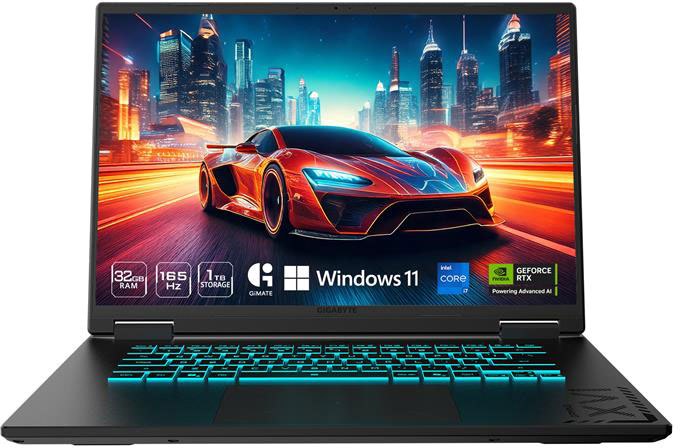
1. Gigabyte A16 Gaming Laptop 16" (CVHI3US864SH)
A constant placer in each year's “best” list is the Gigabyte A16 Gaming Laptop. If you want massive memory and next-generation graphics without crossing your budget, this version of the Gigabyte A16 is a heavy hitter. It combines a capable 13th Gen Intel processor with a modern graphics card and a generous 32GB of RAM, making it great for heavy multitasking and demanding open-world games.
- Processor: Intel Core i7-13620H
- Graphics: NVIDIA GeForce RTX 5060
- Memory: 32GB RAM
- Storage: 1TB SSD
- Display: 16" 165Hz
- OS: Windows 11 Home
Pros:
- 32GB of RAM is fantastic for keeping dozens of browser tabs open while gaming.
- Spacious 1TB storage fits plenty of modern AAA game files.
- The large 16-inch screen with a high refresh rate provides plenty of viewing room.
Cons:
- The 13th Gen processor runs warm under load, requiring aggressive fan speeds.
- Slightly chunkier chassis design compared to ultra-slim gaming rigs.
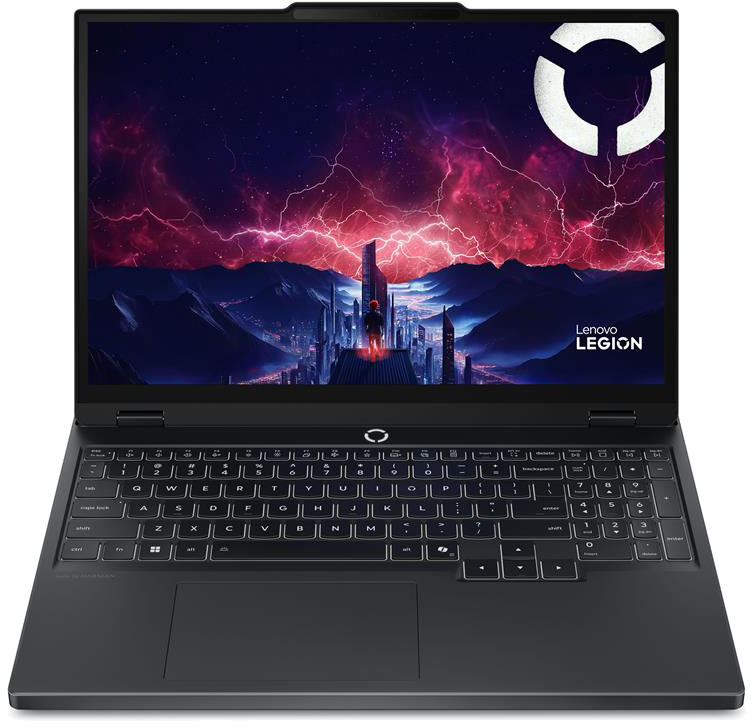
2. Lenovo Legion 5 Gaming Laptop 15.3" (83M0004VCC)
Lenovo’s Legion line is widely known for its excellent cooling systems and premium build quality. This model introduces a new Ryzen platform paired with highly capable graphics, making it a very reliable choice for everyday gaming and productivity.
- Processor: AMD Ryzen 7 260
- Graphics: NVIDIA GeForce RTX 5060
- Memory: 16GB RAM
- Storage: 1TB SSD
- Display: 15.3" 165Hz
- OS: Windows 11 Home
Pros:
- Excellent thermal design keeps the keyboard cool during extended sessions.
- Clean, subtle aesthetic looks professional enough for work or school.
- Great keyboard layout with tactile response.
Cons:
- The 16GB of RAM is standard, but you might want to upgrade it later for heavy video editing.
- The power brick is relatively large and heavy to carry around.
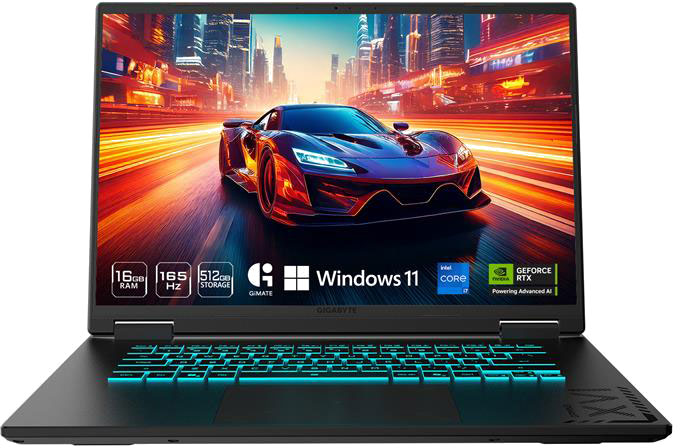
3. Gigabyte A16 Gaming Laptop 16" (CMHI2US893SH)
This variant of the Gigabyte A16 trims down the specifications to make it more wallet-friendly. It maintains the same larger screen size and reliable build, but steps down the graphics card and memory allocation to lower the overall price tag.
- Processor: Intel Core i7-13620H
- Graphics: NVIDIA GeForce RTX 4050
- Memory: 16GB RAM
- Storage: 512GB SSD
- Display: 16"
- OS: Windows 11 Home
Pros:
- Offers a great 16-inch chassis screen space at a lower cost.
- Strong processing power handles productivity and school tasks with ease.
Cons:
- The 512GB SSD fills up quickly with only a few modern games installed.
- RTX 4050 graphics will require you to lower visual settings on newer, demanding titles.
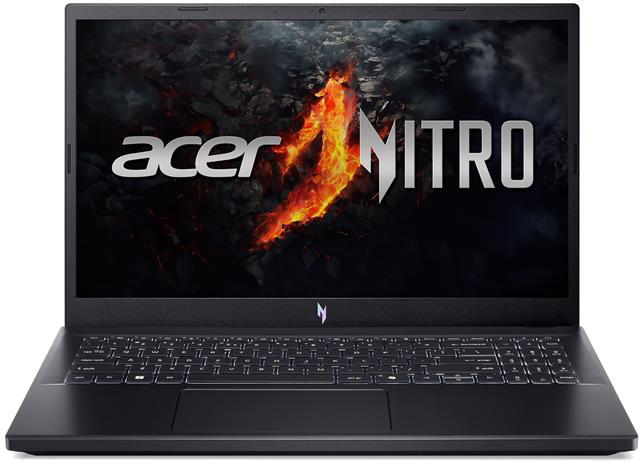
4. Acer Nitro V Gaming Laptop 15.6" (ANV15-41)
The Acer Nitro V serves as a great bridge between absolute entry-level machines and mid-range performers. This model runs an efficient AMD Ryzen processor paired with solid introductory graphics, giving budget-conscious gamers access to smooth frame rates on popular competitive shooters.
- Processor: AMD Ryzen 7 7735HS
- Graphics: NVIDIA GeForce RTX 4050
- Memory: 16GB RAM
- Storage: 512GB SSD
- Display: 15.6"
- OS: Windows 11 Home
Pros:
- The Ryzen processor handles battery management remarkably well for casual tasks.
- A lightweight profile makes it easy to slip into a backpack.
- DLSS support helps boost frame rates on supported games.
Cons:
- Plastic chassis feels a bit less premium than the metal alternatives.
- Display color accuracy and brightness are basic.
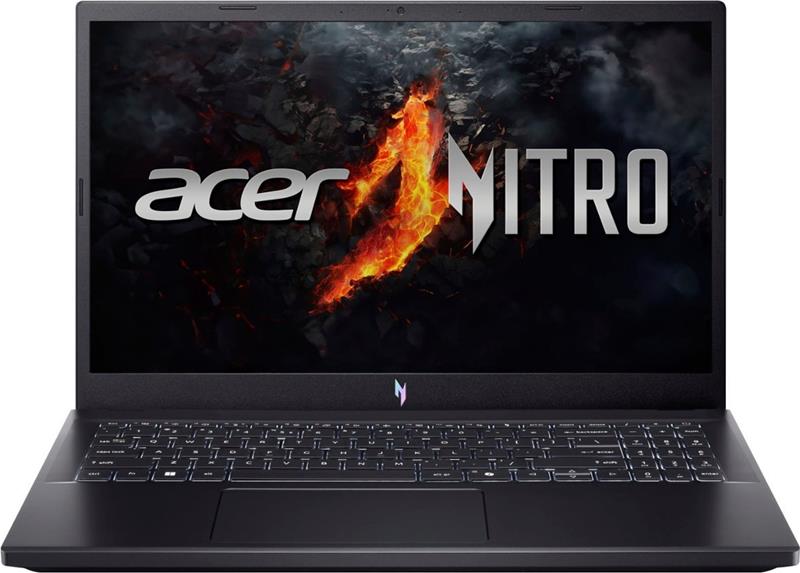
5. Acer Nitro V Gaming Laptop 15.6" (NH.QPFAA.002)
For buyers focused entirely on maximizing value, this version of the Nitro V offers a foundational PC gaming experience. Utilizing a slightly older graphics card generation, it stands as an affordable entry point for indie games, classic titles, and mainstream Esports like Valorant or League of Legends.
- Processor: AMD Ryzen 7 7735HS
- Graphics: NVIDIA GeForce RTX 3050
- Memory: 16GB RAM
- Storage: 512GB SSD
- Display: 15.6"
- OS: Windows 11 Home
Pros:
- Highly affordable choice for casual gamers or students.
- Very reliable CPU performance for everyday computing.
Cons:
- The RTX 3050 has limited VRAM, struggling with high textures on new releases.
- Screen brightness can wash out if used in heavily lit environments.
Final Verdict: Which should you choose?
- Best Overall Performance: The Gigabyte A16 (32GB/1TB) gives you the highest headroom for modern gaming and multitasking.
- Best Build & Reliability: The Lenovo Legion 5 is the top choice if you value smooth thermal performance and clean design.
- Best on a Budget: The Acer Nitro V (RTX 4050) offers a great blend of affordability and modern feature sets.
Now, the choice is up to you! Would you choose Gigabyte A16’s overall gaming performance for modern gaming, the Lenovo Legion 5’s thermal performance, or Acer Nitro V’s budget-friendly price for something built to keep up with modern titles? Visit Canada Computers and bag your gaming champion!
FREQUENTLY ASKED QUESTIONS
- Q. Can I upgrade the parts of a gaming laptop?
- A: Yes, but only some parts. Usually, you can upgrade the laptop’s RAM and Storage. However, the CPU and GPU are always glued to the motherboard, making them unupgradeable later.
- Q. Are gaming laptops good for work or school?
- A: Aside from being heavy to put in your backpack, gaming laptops can easily handle schoolwork, web browsing, and video/photo editing.
- Q. Do you need a cooling pad while using a gaming laptop?
- A: While gaming laptops have built-in cooling system, a cooling pad helps if your laptop sits flat on a desk and gets too hot. An alternative trick is to prop the back of the laptop up by an inch to let more air flow underneath.
- Q. Can I game while the gaming laptop is unplugged?
- A: Yes, but not for long. Gaming laptops usually use a massive amount of power. If you play while on battery, the laptop will slow down to save some power and will be drained in about 30-45 minutes. Always plug the laptop into the wall for best performance.
- Q. Why do the fans get so loud?
- A: Gaming laptops are packed with powerful tiny parts that create a lot of heat. If the laptop gets too hot, it will slow down. To prevent this, the fans spin very fast to push hot air out and keep the device running smoothly.