 Proudly Canadian-Owned
Intel vs. AMD Motherboards: What You Need to Know Before Buying
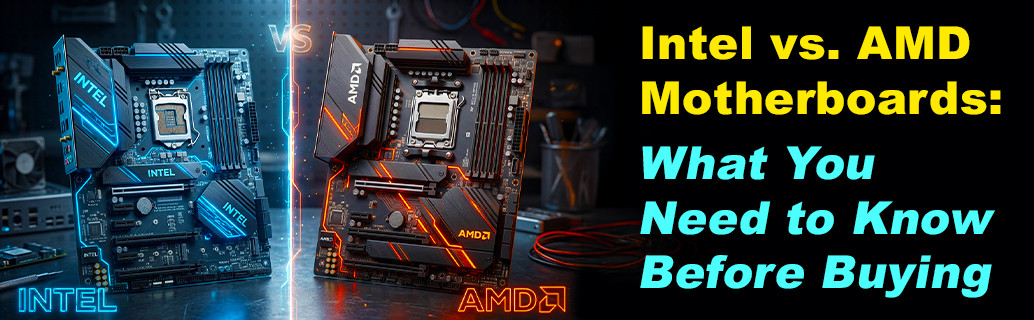
Ever experience having to build your PC and find yourself staring at a shopping cart filled with computer parts, trying to make sense of a motherboard box with letters, numbers, sockets, and generations thrown at you like a secret code? This, plus the necessity to decide between Intel and AMD Motherboards? If you do, well, this guide is the one for you!
Picking between the two isn’t just about the processor (CPU) compatibility, but the literal foundation of your computer. The motherboard determines what RAM you can use, how many SSDs you can plug in, whether you can overclock your hardware, and how easily you can upgrade three years later.
In this blog, we break down the key differences between Intel and AMD motherboards to guide you on what you need to know to build your PC without burning a hole in your wallet.
1. Sockets and Longevity
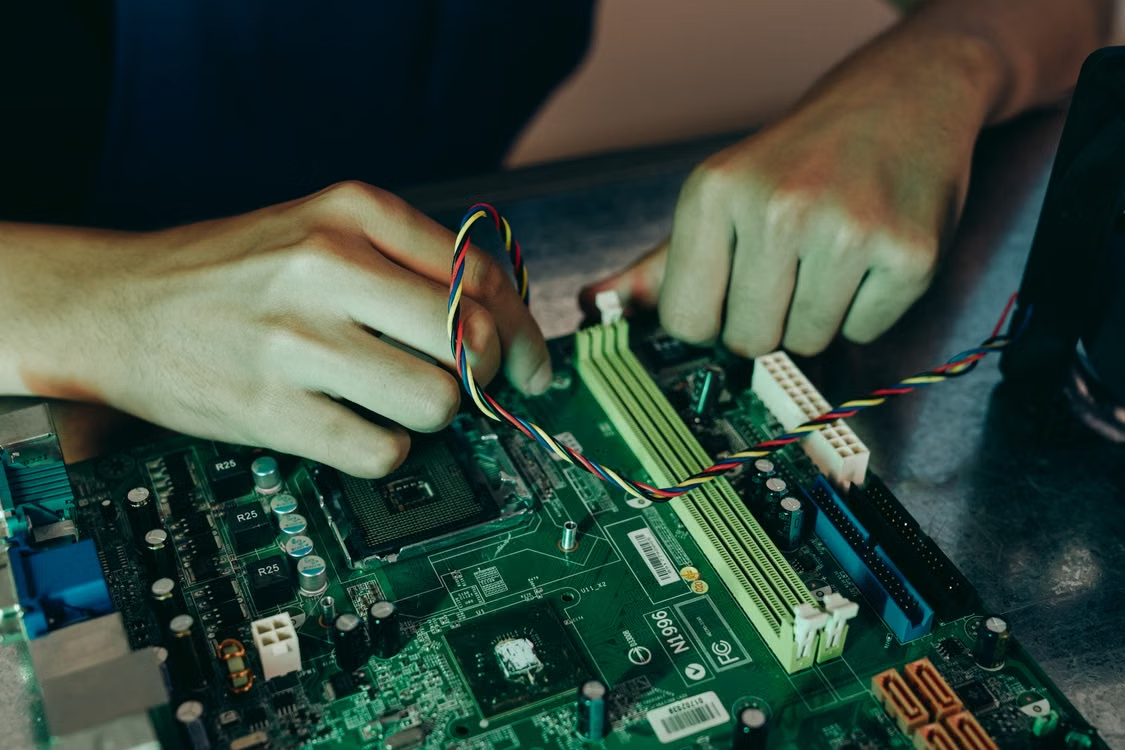
Before looking at specific models, you need to understand how both brands handle their hardware lifecycles. This is arguably the biggest practical difference for you as a consumer.
- AMD: Historically famous for sticking with a single socket format for years. For instance, the AM4 socket lasted through four distinct CPU generations, meaning users could often drop a brand-new processor into an old motherboard with just a simple BIOS update. Their current AM5 platform follows this same future-proofing philosophy.
- Intel: Generally changes socket designs every two generations. If you want to upgrade your Intel CPU down the line, you will almost always need to buy a brand-new motherboard to match the new pin layout.
2. Chipset Naming Schemes (Decoded)
Both brands use a letter-and-number naming system to categorize their chipsets (the main controller chips on the board). Higher numbers and certain letters mean more features and higher prices.
Intel Chipsets
Intel splits its mainstream lineup into two main categories:
- The "B" Series (example: B760): The sweet spot for 90% of builders. They offer great features, plenty of USB ports, and support for fast RAM, but they generally do not allow you to overclock your CPU.
- The "Z" Series (example: Z790): The enthusiast tier. These unlock full CPU overclocking, offer more PCIe lanes for multiple graphics cards or ultra-fast storage, and feature beefier power delivery (VRMs) to handle high-wattage chips.
AMD Chipsets
AMD’s modern AM5 lineup follows a similar tiered approach:
- The "B" Series (example: B650 / B650E): The mainstream champions. Like Intel’s B-series, these give you almost everything you need—including CPU overclocking support, which AMD allows on almost all its chipsets.
- The "X" Series (example: X670 / X870): The heavy hitters. Designed for extreme enthusiasts and professional workstations, offering maximum connectivity, massive PCIe Gen 5 lane counts, and top-tier build quality.
3. Pros and Cons
Intel Motherboards
The Pros:
- Refined Ecosystem: Intel boards often mature quickly with stable, feature-rich BIOS interfaces right out of the box.
- Memory Support: Strong memory controllers mean Intel boards can frequently handle very high-frequency DDR4 or DDR5 kits smoothly.
- Thunderbolt Integration: Many mid-to-high-end Intel boards feature built-in Thunderbolt 4 or 5 ports, making them fantastic for content creators working with massive external drives.
The Cons:
- Short Lifespan: Expect dead-end upgrade paths. Buying a high-end Intel board today doesn't guarantee compatibility with Intel's next-gen processors.
- Power Hunger: High-end Intel chips pull massive amounts of power, requiring motherboards to have expensive, complex cooling setups and robust power phases just to keep stable.
AMD Motherboards
The Pros:
- The Upgrade Path: AMD’s commitment to supporting platforms for years means you can buy a solid motherboard today with a reasonable expectation that future CPU drops will slot right in.
- Overclocking Freedom: Even mid-range AMD boards (like the B-series) let you overclock your processor, giving you extra performance for free.
- Efficient Power Management: Modern AMD Ryzen processors run cooler and draw less power overall, meaning you don't necessarily need an ultra-expensive board to get peak performance.
The Cons:
- Growing Pains: New AMD socket rollouts (like the launch of AM5) can sometimes suffer from longer boot times (memory training) and occasional early BIOS quirks.
- Feature Tax: High-end AMD boards (the X-series) tend to carry a very steep price tag compared to their Intel equivalents.
4. Head-to-Head Comparison: Mainstream Competition
To see how this plays out in the real world, let's look at two of the most popular mainstream chipset classes for modern builds.
| Feature | Intel B760 (Mainstream) | AMD B650 (Mainstream) |
| Target Audience | Gamers and everyday users looking for good value | Gamers and PC builders prioritizing future upgrades |
| CPU Overclocking | Not supported | Traditional Laptop |
| Memory Support | DDR4 or DDR5 (depending on the motherboard model) | DDR5 only |
| Upgrade Potential | Limited (socket nearing end of life) | High (long-term socket support) |
| Connectivity | Good selection of USB ports; Thunderbolt available on select models | Excellent baseline support for PCIe Gen 5 and Gen 4 lanes |
The Verdict: Which Should You Choose?
Choosing your motherboard really comes down to how you plan to manage your PC over the next few years.
If you want a stable system right now, don't care about swapping out your CPU down the road, and love features like integrated Thunderbolt, an Intel board will be great for you.
If you prefer a system that you can easily crack open in three years to drop in a brand-new processor without replacing the entire foundation, AMD is the smarter long-term play.
Having difficulty deciding? Don’t worry, Canada Computers has a plethora of motherboard options for you to choose from! Visit our website here and see what we have to offer!
Frequently Asked Questions
- 1. Does the motherboard brand affect my FPS?
- Directly, no. A motherboard does not have a GPU or CPU built into it. However, a poor motherboard with bad VRM (power delivery) cooling can cause your CPU to overheat and throttle its speed, which will drop your frame rates.
- 2. Can I put an Intel CPU into an AMD motherboard?
- No. Intel and AMD processors use completely different physical pin layouts and electrical connections. An Intel CPU physically will not fit into an AMD socket, and vice versa.
- 3. Do I need a Wi-Fi motherboard, or is Ethernet better?
- If your PC is going to sit right next to your router, a wired Ethernet cable is always faster and more stable for gaming. However, getting a motherboard with built-in Wi-Fi 6E or Wi-Fi 7 is worth the extra few dollars just for Bluetooth support and the convenience of wireless connectivity if you ever move your setup.
- 4. What is the difference between ATX, Micro-ATX, and Mini-ITX boards?
- This is purely about physical size. ATX is standard (lots of space for expansion cards), Micro-ATX is a bit shorter (great balance of size and price), and Mini-ITX is tiny (built for compact, portable desktop cases). Make sure your PC case matches your motherboard size!
- 5. Do I need to update my motherboard's BIOS?
- Usually, no, unless you are using a newly released CPU on an older generation motherboard. If your system boots up and runs fine, the general rule in PC building is "if it isn’t broken, don't update it."