 Proudly Canadian-Owned
GPU Temperature Guide: Normal Ranges, Safe Temps & How to Cool Your Card
Everyone knows that the Graphics Processing Unit (GPU) found inside the Graphics Card is basically the beating heart of all PC setups, whether it's for modern gaming, a work companion, or creative work. It acts like a massive army of simple workers, but instead of workers, it has thousands of tiny cores packed into a small compartment that work together to solve thousands of small pieces of a big problem at the same time by moving electricity at a very fast pace, resulting to a lot of electrical resistance—which, by the way, turns into heat.
So, if you’re planning on investing or owning a PC setup, it is very important to understand how your GPU handles heat—the whats, whys, and hows of GPU temperatures—which will be a big factor in helping you prevent frame drops, keep noise down, and protect your investment.
If you are someone who is just starting their PC journey, or a gamer looking to solve your high GPU temperature problem, here are the things you need to know about the temperature of your setup’s beating heart.
1. Normal & Safe GPU Temperature
Your GPU converts electrical power into visual processing, generating heat as a natural byproduct. Normal GPU temperatures range between 30°C-45°C when idle and 65°C-85°C while under heavy load. A safe GPU temperature range keeps the core below 85°C to preserve long-term component health and prevent automatic thermal throttling (where the card slows down to cool off).
- What is a normal GPU temperature? - Sitting at 30°C–45°C during idle times and 65°C–80°C while actively running tasks.
- What is a safe GPU temperature range? - Anything consistently under 85°C is considered safe for daily operation.
- How hot should a GPU normally get? - During intensive workloads, expect it to land between 70°C and 80°C.
- Is 70°C a good GPU temperature? - Yes, 70°C is an excellent, sweet-spot operating temperature under load.
- Is 80°C safe for a GPU? - Yes, 80°C is safe, though it means your graphics card is working hard near its average thermal target.
- Is 90°C too hot for a GPU? - Yes, 90°C on the main core is too high; sustained temperatures at this level will trigger thermal throttling and shorten the GPU’s lifespan.
2. How to Lower GPU Temperature?
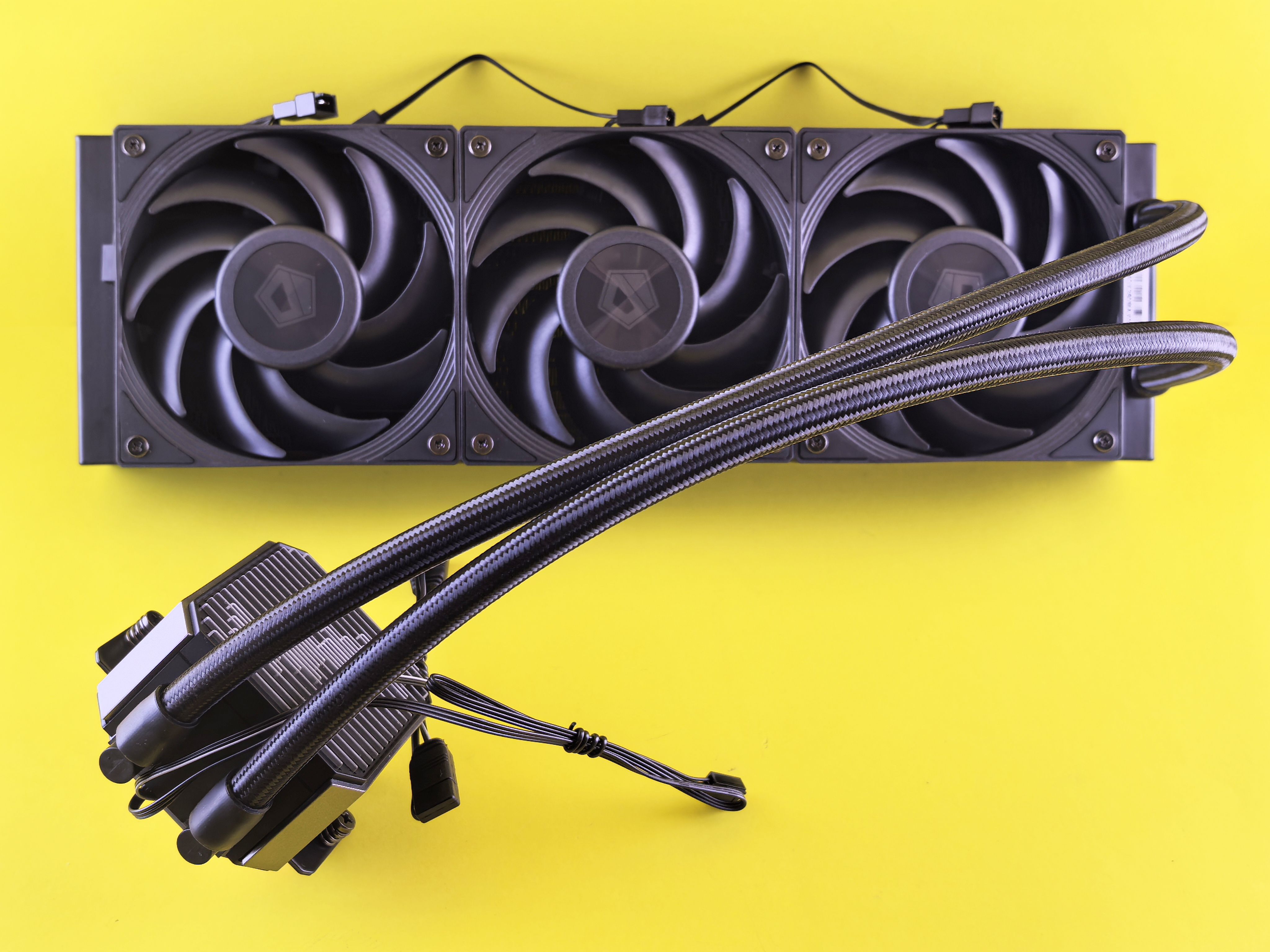
Maintaining the card’s cool temp comes down to airflow management, maintenance, and slight software adjustments depending on the function you’re using your setup for. If your GPU is running warmer than you'd like, several straightforward hardware and software steps can lower temperatures immediately.
- How can I improve GPU cooling? - Ensure intake fans bring in fresh air from the front/bottom and exhaust fans push hot air out through the top/rear.
- Does adding case fans lower GPU temperature? - Yes, adding intake fans directed toward the GPU can drop temperatures by several degrees.
- Does improving PC airflow help GPU temperature? – Absolutely! Proper air pressure prevents hot air from recirculating inside the chassis.
- Does undervolting reduce GPU temperature? - Yes, undervolting lowers the voltage supplied to the chip, reducing heat production with virtually no loss in performance.
- Should I replace GPU thermal paste? - Only if your card is older (4+ years) or if you’re experiencing sudden temperature spikes, because most of the time, a fresh thermal paste restores heat transfer efficiency.
- How often should I clean my GPU? - It is highly advised that lightly dusting your graphics card and dust filters every 3 to 6 months to prevent dirt buildup can work miracles in prolonging your GPU longevity.
3. GPU Temperature While Gaming
Gaming is typically the most demanding task a GPU handles, pushing the silicon to draw maximum wattage. As rendering demands increase—due to higher screen resolutions, uncapped frame rates, or complex graphics settings—the GPU works harder and generates more heat.
- What temperature should my GPU be while gaming? - Ideally between 65°C and 80°C under continuous load.
- Why does my GPU get hot while gaming? - It processes millions of complex graphical calculations per second at high power consumption.
- Is 80°C normal for a GPU while gaming? - Yes, 80°C is normal for demanding AAA titles or setups with modest cooling.
- What GPU temperature is too high while gaming? - Consistently exceeding 85°C to 90°C core temperature is too high.
- Do different games cause different GPU temperatures? – Yes. Graphically intense games like Cyberpunk 2077 and other AAA titles push GPUs much harder than simple 2D indie titles.
- Does playing at 4K increase GPU temperature? - Yes, higher resolutions increase pixel workload and memory utilization, generating extra heat.
- Does higher FPS increase GPU temperature? - Yes, pushing uncapped frame rates keeps the GPU working at 100% capacity continuously.
4. Why Is My GPU Running Hot?
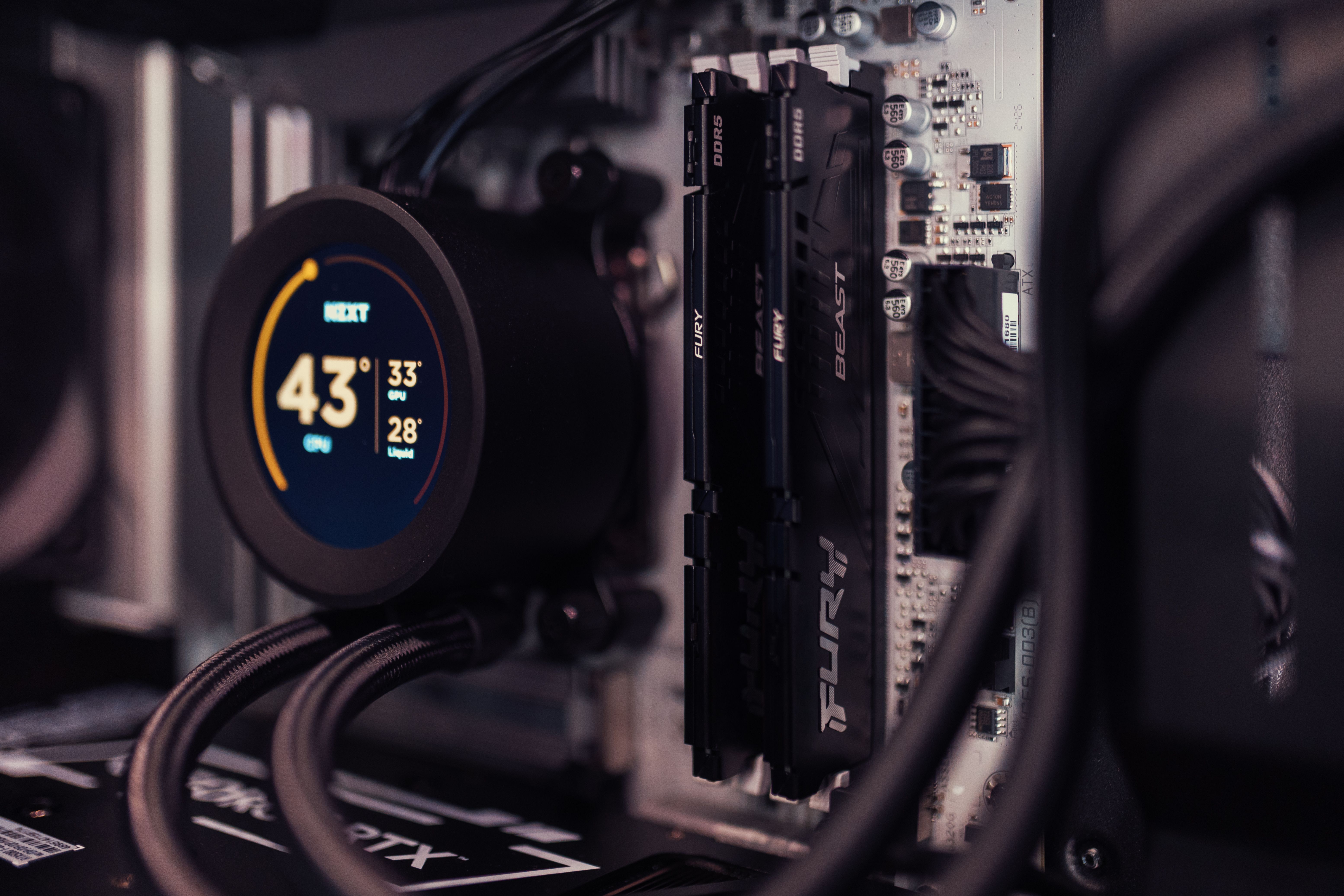
A GPU running hot usually indicates an environment or physical restriction preventing heat from dissipating. Common culprits range from dust build-up choking the heatsink fins to software overclocks demanding excessive voltage.
- Why is my GPU temperature so high? - High temps are typically caused by dust accumulation, bad case airflow, high room temperatures, or background applications. Making a checklist of these things when troubleshooting can help you determine what the problem is.
- Why did my GPU temperature suddenly increase? - This often stems from a failing fan, a recent high-voltage overclock, dried-out thermal paste, or background malware/crypto-miners.
- Can dust cause a GPU to overheat? – Absolutely! Dust acts as an insulating blanket on the heatsink, blocking airflow entirely.
- Does poor case airflow increase GPU temperature? - Yes, without fresh external air, the GPU repeatedly cycles warm air inside the case.
- Does room temperature affect GPU temperature? - Yes, a higher ambient room temperature directly increases baseline internal PC temperatures on a 1:1 basis.
- Can overclocking increase GPU temperature? - Yes, raising clock speeds and voltage forces the chip to draw more power, generating significantly more thermal output.
5. NVIDIA vs. AMD GPU Temperatures
Both NVIDIA and AMD design high-performance GPUs, but they handle thermal monitoring and architecture slightly differently. AMD frequently utilizes aggressive boosting behavior that targets higher "Junction/Hotspot" temperatures, whereas NVIDIA generally prioritizes a flatter, die-wide temperature profile.
- What is a normal NVIDIA GPU temperature? - Between 65°C and 78°C under full gaming load.
- What is a normal AMD Radeon GPU temperature? - Between 65°C and 80°C edge temperature, with junction hotspots reaching 90°C–100°C normally.
- What is a normal RTX 50-series temperature while gaming? - Modern RTX 50-series cards typically average 60°C–75°C under load with standard cooling.
- Do AMD GPUs run hotter than NVIDIA GPUs? - Not necessarily; while AMD cards report higher junction (hottest point) numbers by design, overall thermal output across both brands is comparable when comparing GPUs of similar power draw.
Managing your GPU temperatures is one of the easiest ways to protect your graphics card, maintain high frame rates, and keep your gaming rig running silently for years to come. Whether you need to dust out your fans, fine-tune your airflow, or upgrade to a modern chassis with better thermal design, taking proactive control of your thermals guarantees a smoother gaming experience.
Don’t wait until your frame rates start dropping or classes are in full swing to upgrade your setup—head over to your nearest Canada Computers location or shop online at Canada Computers to grab the latest cooling gear, PC cases, and graphics cards before stock runs out!